
Updated: 05/04/2026
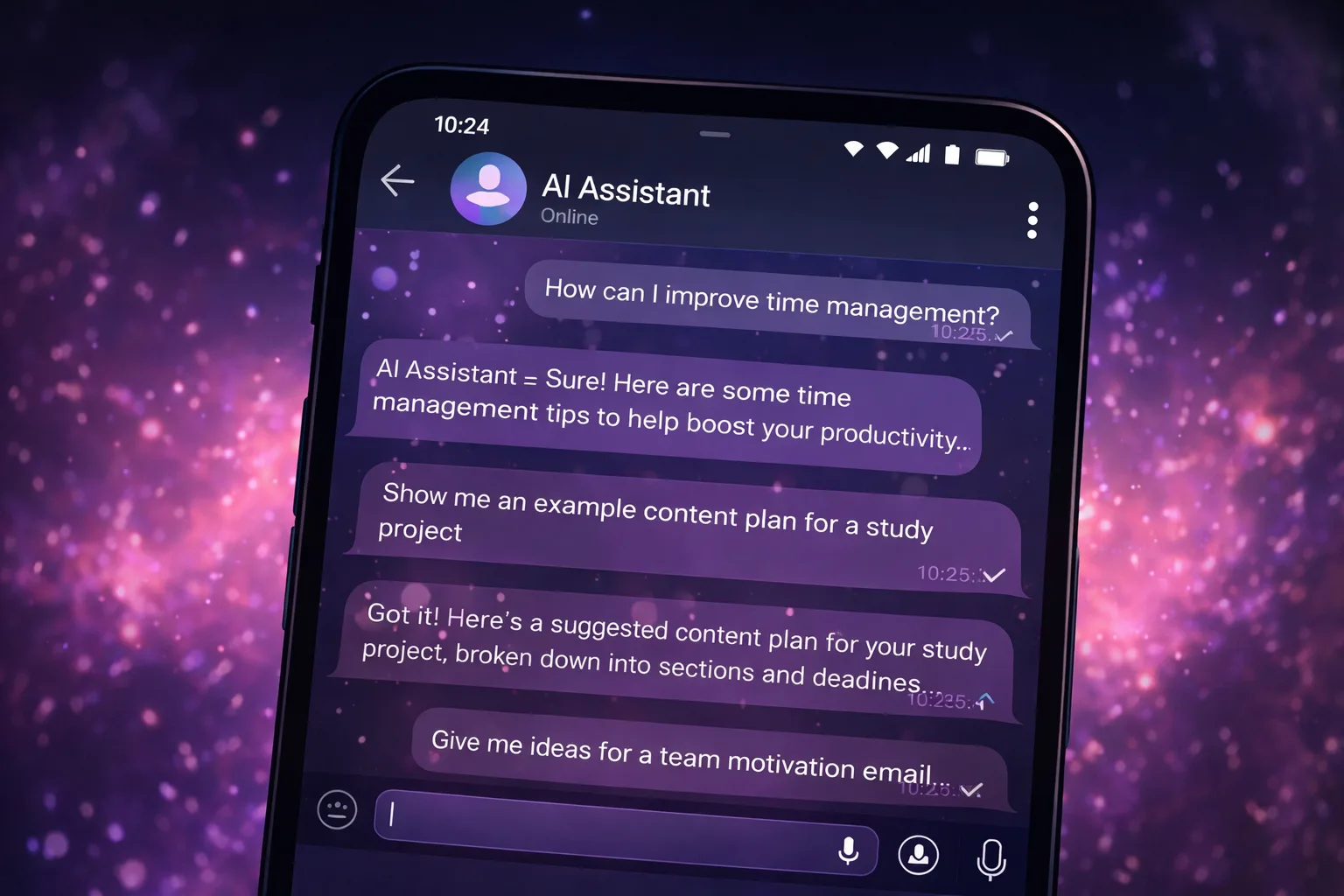
Searches for “how to create an AI assistant” often sound exciting, but in practice the challenge comes down to a few simple questions: what use cases should the assistant support, where will it live, how will it remember context, how will limits work and how will safety be handled? Below is a practical roadmap from idea to a working AI assistant in Telegram.
Start With Use Cases, Not Models
The most common beginner mistake is choosing a model, provider or “the smartest AI” before understanding what the assistant should actually do. A better approach is to start with five to seven practical use cases.
Examples include: “create a daily plan,” “draft an email,” “summarize a meeting,” “generate a checklist,” “explain a topic in simple language,” or “remind me at 6 PM.”
AI Assistant Architecture in Simple Terms
A basic AI assistant usually consists of four core components:
- Communication channel. Telegram, a website, a mobile application or another interface.
- Context layer. Conversation history, instructions and user memory.
- LLM provider. The service that generates responses.
- Control systems. Limits, safety filters, billing and moderation.
Why Telegram Is Often the Best Starting Point
Telegram allows you to launch an MVP quickly. There is no need to build a custom frontend, authentication system or complicated interface from scratch.
Users already understand how chat works, which dramatically lowers the barrier to adoption. Telegram also supports buttons, menus, modes and interactive workflows, making it possible to create something more useful than a simple question-and-answer bot.
Context and Memory
An assistant becomes significantly more useful when it can remember context. However, storing the entire conversation forever is expensive and often unnecessary.
A common solution is to combine a short history of recent messages with a compact long-term memory stored as summaries. This creates a balance between personalization and efficiency.
The assistant remembers the topic, style and preferences without becoming overwhelmed by an endless conversation history.
Why Different Modes Matter
Modes are not just cosmetic features. They help control the format of the response.
For example, an “Assistant” mode may focus on structured, step-by-step guidance. A “Chat” mode can feel more natural and conversational. An “Auto” mode can select the most appropriate style automatically.
When implemented correctly, modes help users receive the type of response they expect without constantly providing extra instructions.
Limits, Tokens and Free Access
Every AI-generated response has a cost. That is why assistants need a clear and transparent usage model.
A common approach is to provide free credits or a starter balance, then offer subscriptions or top-ups later.
Tokens work well because they are relatively transparent. Users can see that consumption depends on the size of requests and responses, rather than arbitrary message counts.
Safety and Content Restrictions
Even a simple assistant should be able to refuse inappropriate requests and avoid generating harmful advice.
The best practice is to implement safety at the system level: instructions, moderation rules and filters before the request reaches the model.
It is equally important to define what information users may provide and how that data is stored, processed and protected.
How We Built It
Our project follows a practical approach: Telegram as the communication channel, multiple response modes, personas for communication style, conversation history with lightweight memory, token-based limits, reminders and rituals.
It is an example of how to create an AI assistant without unnecessary complexity, while still keeping the product useful, scalable and easy to understand.
Important: the project and all materials operate in a safe format and do not include adult (18+) content.
FAQ
FAQ
What is an AI assistant?
An AI-powered helper for writing, planning, brainstorming, explanations, checklists and everyday tasks.
Can I start for free?
Yes. You can try the format for free and see whether it fits your workflow.
Does it contain adult content?
No. The project operates in a safe and family-friendly format without adult (18+) content.