
Updated: 04.05.2026
People usually search for "AI assistant prompts" after their first disappointing experience: they typed something like "make it look nice", received a vague response, and concluded that AI was not very useful. In reality, a prompt is not magic. It is simply a well-defined task. Below you'll learn how to write prompts that help an AI assistant produce accurate, useful and practical results.
Why bad prompts produce bad answers
An AI assistant can only respond to the information it receives.
If the request is vague, the assistant has to guess what you actually want.
And guessing usually results in long generic responses with very little practical value.
The formula for a good prompt
- Goal. What do you want to receive? A plan, an email, a checklist, a report or several options?
- Context. Who is it for? What style should be used? Are there any restrictions?
- Format. Bullet points, a table, key takeaways, three alternatives or a short summary.
- Quality criteria. What would make the result successful?
Prompt examples
For writing
"Write an email to a client. Context: ... Tone: calm and professional. Format: 5–7 sentences, ending with a clear next step and a question."
For planning
"Create a weekly plan. Constraints: ... Goal: ... Format: prioritized task list with estimated time requirements."
For brainstorming ideas
"Generate 7 ideas. Constraints: ... Audience: ... For each idea provide a title and two sentences explaining the concept."
How to refine responses
Refinement is a normal part of the process.
Useful follow-up instructions include:
- "Make it shorter."
- "Add examples."
- "Rewrite it in simpler language."
- "Give me three alternatives."
- "Consider this additional constraint."
AI assistants often improve dramatically after one or two iterations.
Why Telegram works well for prompt-based workflows
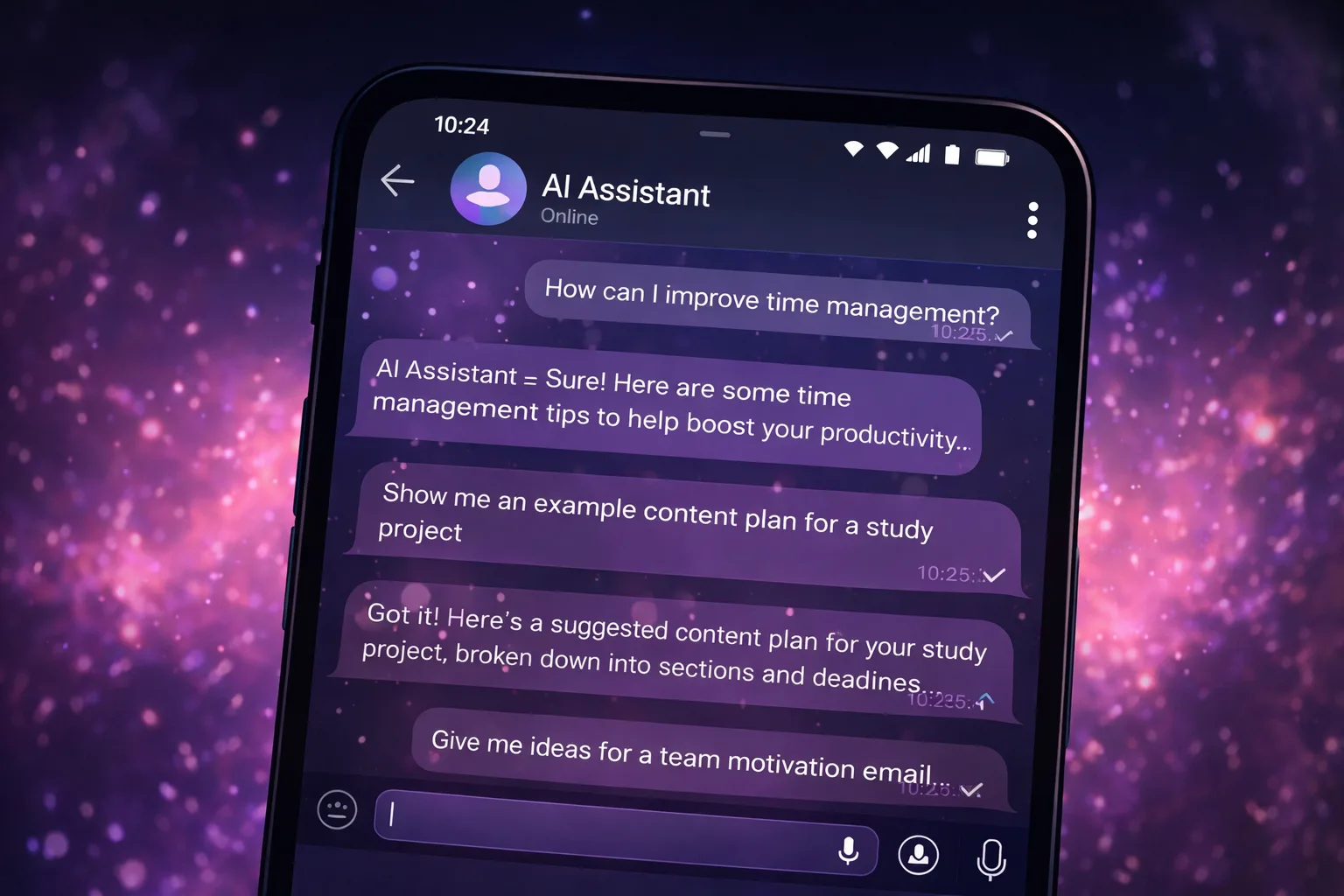
Chat-based interfaces make iteration easy.
You send a prompt, receive a result, provide clarification, and immediately continue the conversation.
The process feels similar to working with a draft, except much faster.
How this works in our format
In our project, Assistant mode can be used when you want responses to be structured, step-by-step and task-oriented.
However, the most important factor is not the mode itself.
A well-written prompt usually determines a large portion of the final result.
Better instructions lead to better outputs, regardless of which AI service you use.
Important: llmgirl and all related materials operate in a safe environment and do not contain adult (18+) content.
FAQ
FAQ
What is an AI assistant?
An AI-powered helper for writing, planning, brainstorming, explanations, checklists and everyday tasks.
Can I start for free?
Yes. You can try the format for free and see whether it fits your workflow.
Does it contain adult content?
No. The project operates in a safe and family-friendly format without adult (18+) content.