
Updated: 04.05.2026
People searching for an "AI assistant for work" are usually looking for the same thing: less routine work, less chaos in daily tasks, faster writing and better planning. Let's explore where AI genuinely helps, where it can create problems, and how to integrate an assistant into your workflow so it feels like a useful tool rather than a novelty.
Why workplace overload happens so quickly
In many jobs, the problem is not complexity but constant context switching. You write an email, reply in a chat, remember a task, join a meeting, and then document the outcome.
The workday often becomes a collection of dozens of small actions that continuously consume attention.
As a result, even highly skilled professionals can feel exhausted because their brains constantly manage background processes: deadlines, statuses, conversations, wording, expectations and priorities.
Tasks an AI assistant handles particularly well
In practice, AI provides the most value when structure, drafts or rapid alternatives are needed.
The goal is not to replace people, but to accelerate routine work.
- Writing. Emails, customer responses, social posts, announcements, descriptions and document drafts.
- Meetings. Agendas, discussion questions, meeting plans, summaries and next-step recommendations.
- Plans and checklists. Breaking down projects, organizing workflows, defining milestones and creating action lists.
- Learning and explanations. Quickly understanding a topic, generating examples and creating concise summaries.
Where people make the biggest mistakes
The most common mistake is asking AI to "do everything" without providing context.
In that situation, the assistant usually responds with generic advice.
The second mistake is copying results without reviewing them.
A healthier approach is simple: the assistant creates the draft, while you review, edit and make the final decision.
Think of it as a capable intern: it quickly prepares a foundation, but responsibility remains yours.
How to integrate an AI assistant into your workflow
To make AI genuinely useful, two questions need answers: where does the assistant live, and how do you interact with it?
Messaging apps work well because they do not require new habits. You simply open a chat and type a request.
A simple workflow for better prompts
- State the goal. What do you need: an email, a plan, a checklist or a set of options?
- Provide context. Explain the audience, tone, restrictions, deadlines and format.
- Ask for structure first. Build the framework before expanding details.
- Refine the result. One iteration is often enough to get exactly what you need.
Quick templates that save time
- Email: "Write an email. Goal, recipient, tone, three key points and a final call to action."
- Meeting: "Create a 30-minute agenda with objectives, discussion topics and expected outcomes."
- Task planning: "Break this project into steps: inputs, deliverables, risks and deadlines."
Security and quality considerations
Avoid sharing confidential information with AI systems if disclosure is not allowed.
If your work involves NDAs, personal information or internal documents, anonymize sensitive details. Replace names, financial amounts and contract numbers with neutral placeholders whenever possible.
It is also important to verify facts.
AI is often very good at presenting information clearly, but it can still make mistakes in details, especially when asked to invent or fill in missing information.
How this can look in our format
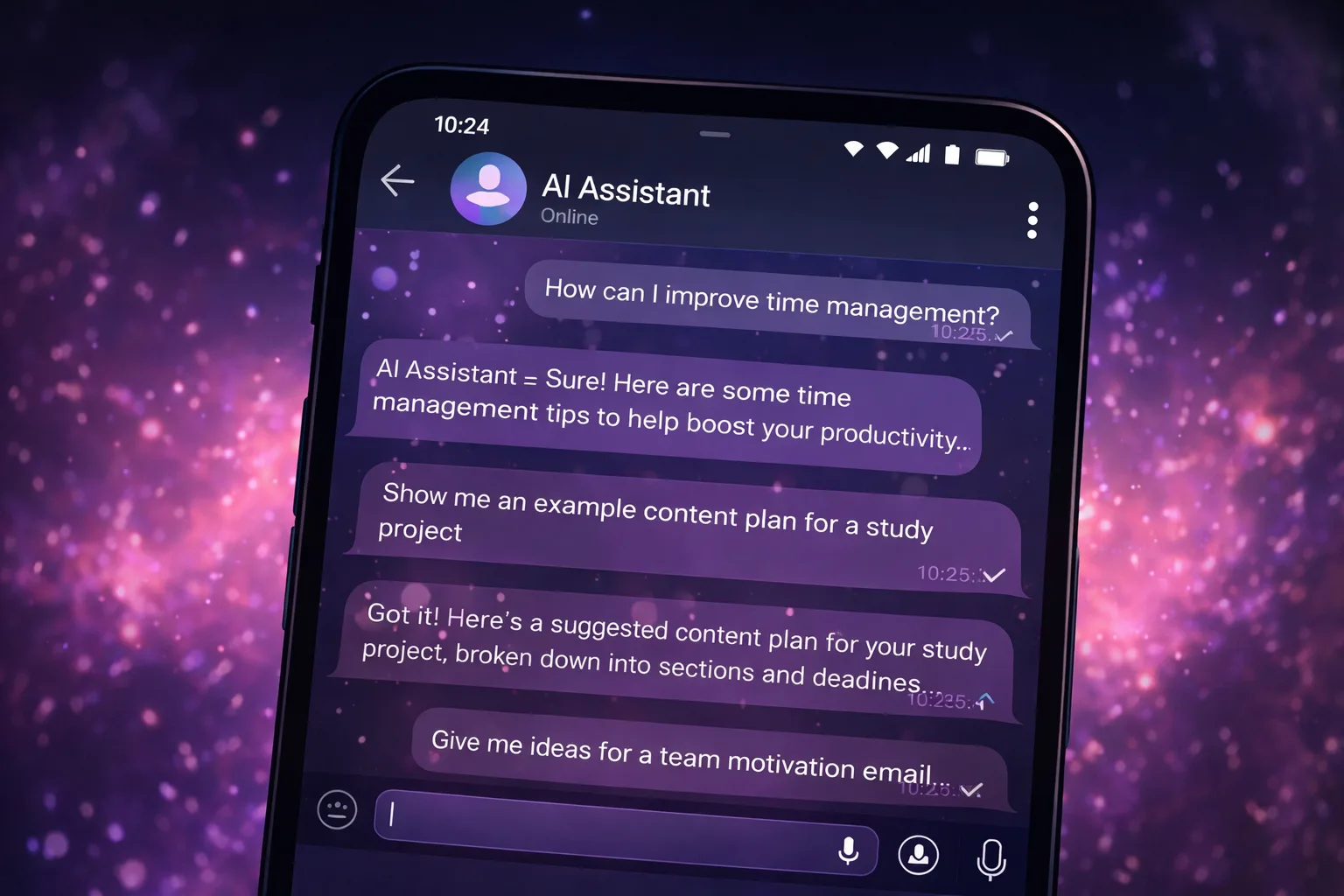
In our Telegram-based approach, the assistant is always available when needed.
You can quickly create drafts, plans, task lists or meeting summaries without switching between multiple tools and tabs.
Different modes can also be used depending on the situation: a more professional Assistant mode or a more relaxed Chat mode.
Regardless of the platform, the core idea remains the same: an assistant should accelerate routine work, not replace human thinking.
Important: llmgirl and all related materials operate in a safe environment and do not contain adult (18+) content.
FAQ
FAQ
What is an AI assistant?
An AI-powered helper for writing, planning, brainstorming, explanations, checklists and everyday tasks.
Can I start for free?
Yes. You can try the format for free and see whether it fits your workflow.
Does it contain adult content?
No. The project operates in a safe and family-friendly format without adult (18+) content.