
Updated: 04.05.2026
People searching for an "AI assistant for business" are usually focused on practical outcomes: faster content creation, reduced workload, more consistent communication, and fewer mistakes in routine operations. Let's look at which use cases create real value, how to avoid turning AI into a simple chatbot, and what business leaders should consider before introducing an AI assistant.
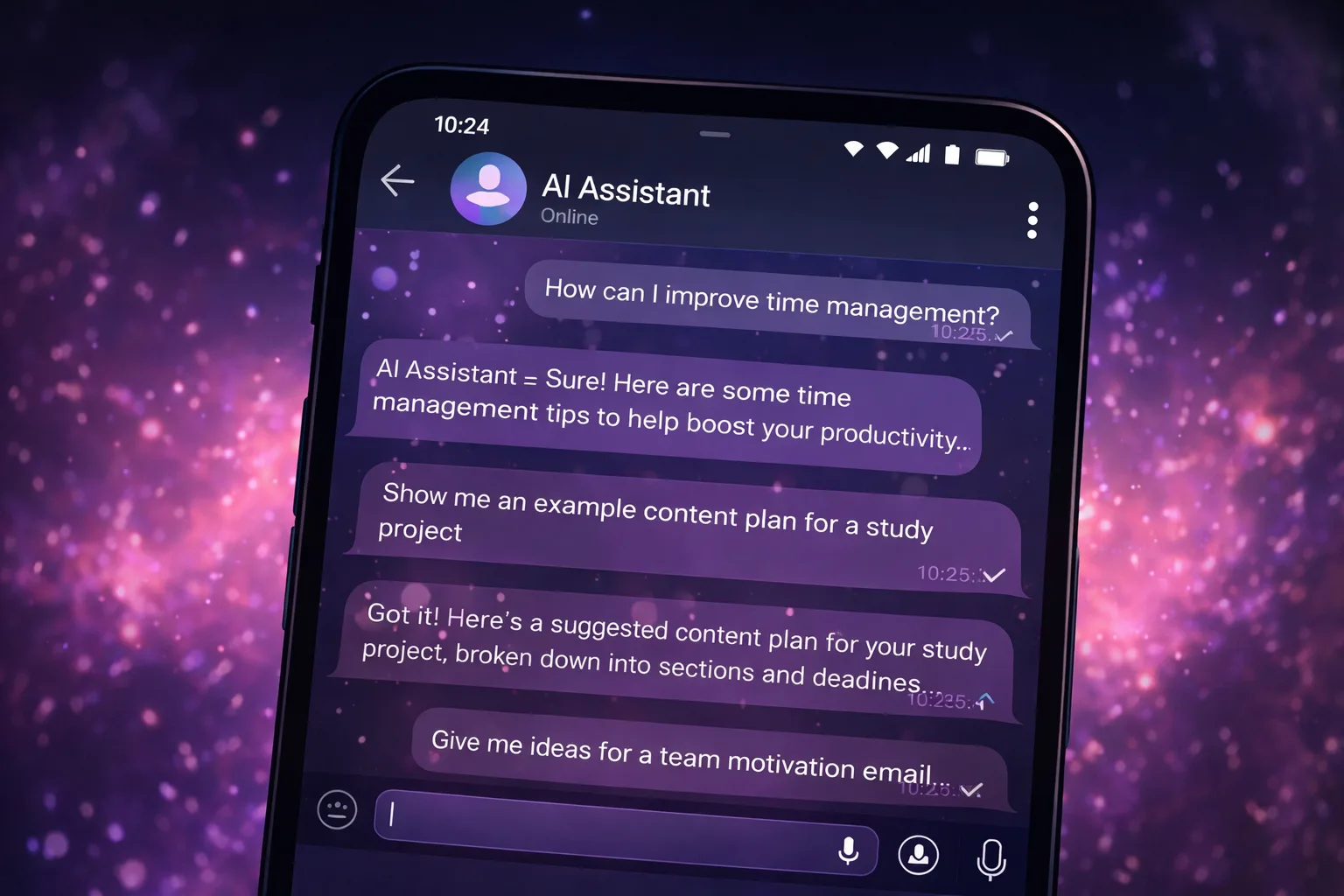
What businesses are really buying when they invest in AI
Businesses rarely pay for "smart answers." They pay for reducing losses: time, attention, consistency, and sometimes money.
These losses usually appear where there are many repetitive activities: emails, product descriptions, proposals, scripts, instructions, reports, and meeting summaries.
That is why an AI assistant is most valuable as a tool for standardization and efficiency. Not as a genius employee, but as a system that helps the team work more consistently.
Common business challenges that slow growth
- Inconsistent communication. Every employee writes differently, creating different customer experiences.
- Dependency on key individuals. Important knowledge and processes exist only in one person's head.
- Expensive routine work. Too much time is spent creating documents, emails, and internal communication.
- Lost decisions. Meetings happen, but conclusions are never documented and responsibilities become unclear.
Business use cases that deliver measurable value
The most effective AI implementations are usually based on a simple principle: structured templates combined with contextual adaptation.
Wherever communication requires consistent style and structure, AI can save significant amounts of time.
Content and communication
- Customer emails and support responses
- Commercial proposals and sales offers
- Service descriptions and product listings
- Sales scripts and support documentation
Processes and documentation
- Instructions and checklists
- Policy and procedure templates
- Change implementation plans
- Meeting summaries and decision tracking
The biggest risk: the illusion of automation
AI can create the impression that everything will suddenly run itself.
In reality, businesses still need a system that can be reviewed and managed:
- Who is responsible?
- How is quality measured?
- Where are approved versions stored?
- How are results reviewed?
Without these processes, AI simply becomes another source of content, adding noise instead of value.
A better approach is to define the desired output first and let AI generate the initial draft.
How to introduce AI gradually
- Choose three use cases. Not twenty. Pick three activities that happen every week.
- Create prompt templates. Clearly define the input and the expected output.
- Assign human review. Someone should remain responsible for the final result.
- Collect successful examples. Over time this becomes an internal knowledge base and quality standard.
Why messaging apps often outperform enterprise platforms
In small and medium-sized businesses, the winning tool is often the one that is easiest to start using.
If the assistant is available through Telegram, the barrier to entry is almost zero: the chat already exists and the habit already exists.
This matters because AI adoption usually fails not because of technology, but because of resistance and complexity.
The fewer new interfaces employees must learn, the more likely the assistant will become part of everyday work.
Where our approach fits
We are building a Telegram-based AI assistant designed for fast everyday business tasks: drafts, planning, meeting summaries, and task organization.
It is not intended to be a massive enterprise platform. Instead, it is a lightweight tool that can be used exactly where it creates value.
For many teams, that is often enough to save hours every week without changing existing workflows.
Important: llmgirl and all related materials operate in a safe environment and do not contain adult (18+) content.
FAQ
FAQ
What is an AI assistant?
An AI-powered helper for writing, planning, brainstorming, explanations, checklists and everyday tasks.
Can I start for free?
Yes. You can try the format for free and see whether it fits your workflow.
Does it contain adult content?
No. The project operates in a safe and family-friendly format without adult (18+) content.